Creating an alias defines a synonym between the two streets. If an alias is defined between "A street" and "B street" then selecting "A street" in a study also includes "B street" and the reverse, selecting "B street" in a study includes "A street". See also Step by Step Aliases.
The street alias editor allows you to review, edit, and add new aliases.
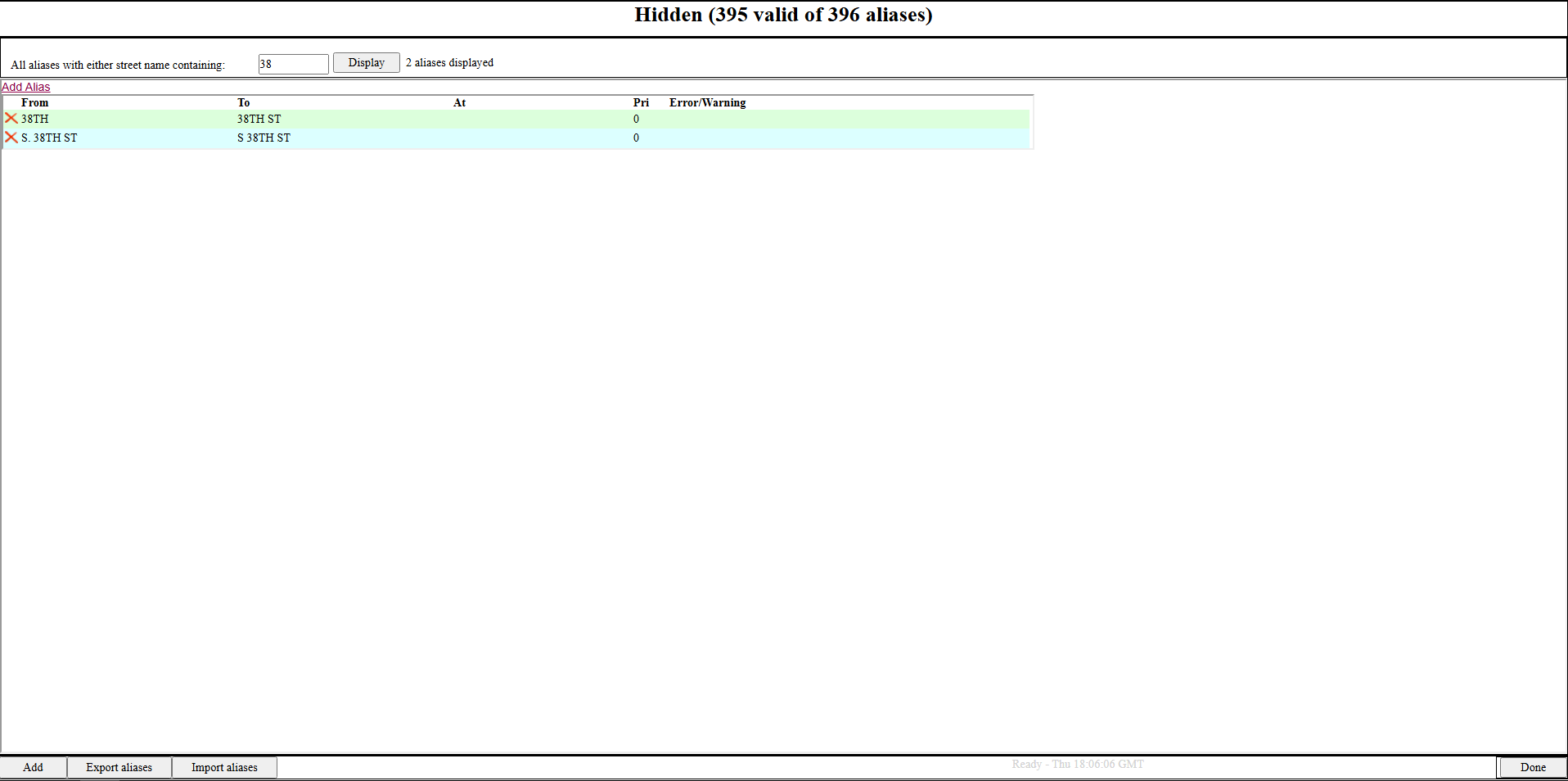
Clicking the Add button will open the window to add a new street alias. Start typing a street name in the "From" or "To" box to see a list of selectable streets in the drop down list below. The "From" street defined in an alias group that is not Visible will not be displayed in the street selection list of a study.
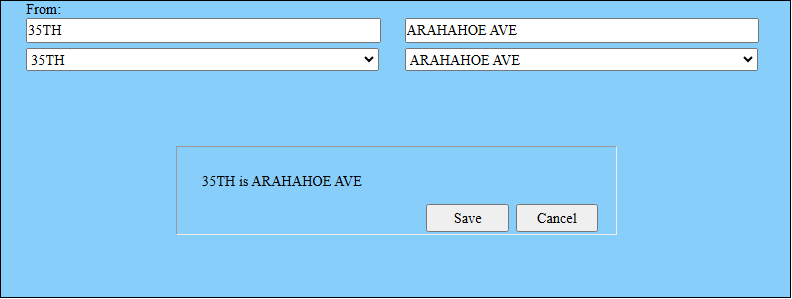
In this example 35th is being aliased to Arapahoe Ave. If the alias group is Visible then using 35th in a study will include Arapahoe Ave and using Arapahoe Ave in study will include 35th. If the alias group is not Visible or Hidden then in this example 35th would not be displayed as an available street when entering a street name into a study field.