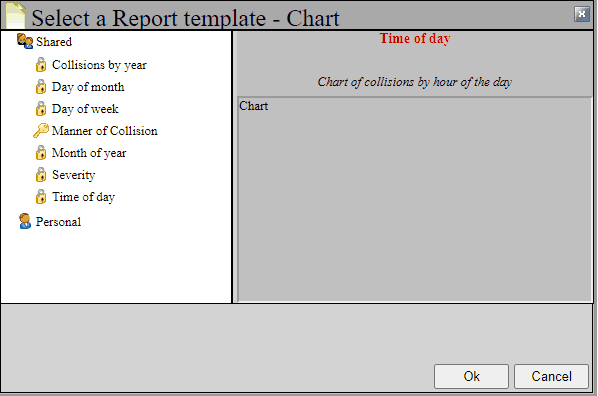
Another way of displaying data is using a chart. Charts can be created using any field in the database. Let's create a chart. To do this, click the chart button  at the top of the project tree. This will bring up a list box to select a chart from. There are several charts already prepared for you under the Shared directory. Choose the Day of Week chart, and hit the OK button.
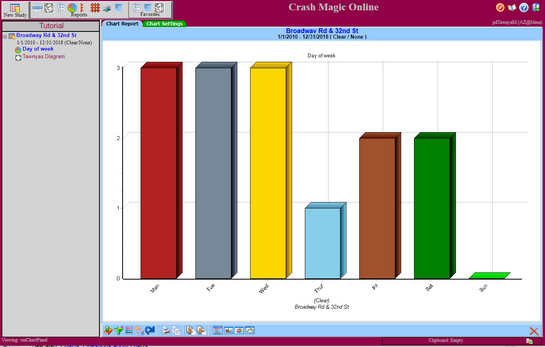
This will bring up a Day of Week chart for the study that you've been working in.
See also: Charts, Questions about charts