Queries extract the data required by Crash Magic from a collision database. All queries use the following fields:
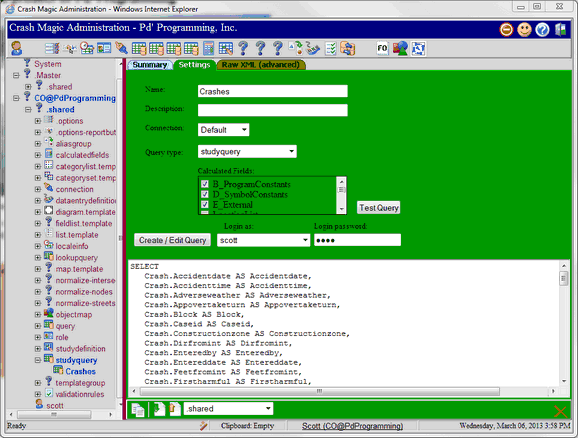
Name: This is the name of the study query
Description: This is a description of the study query.
Connection: This is the connection that will be used by the query.
Query type: This defines how Crash Magic will view the query. The following query type options are available
Test: This button is used to test the current query. 0=1 is added to the where clause and the query is run against the connection.
Calculated fields: This check box selects the calculated fields that can be used with the query.
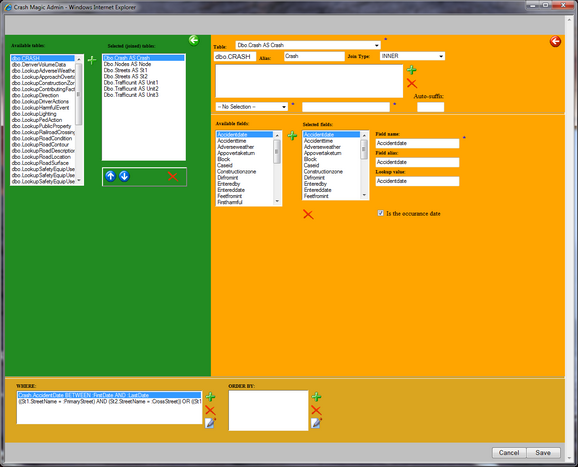
Create / Edit Query: This button opens the query editor.
Login as: This is the Crash Magic user that will be used to issue the query.
Login password: This is the password provided to the Crash Magic login screen.