|
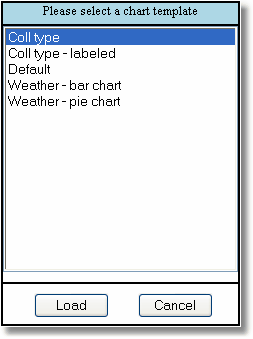
The load template button raises this dialog to apply a template to the current project, study or report. Think of this as "getting a template from the server".
Note that one of the template is called "Default". This is the template that will be loaded automatically when the current type of project, study or report is loaded. For example, create a chart for "weather", make it a pie chart with slices in shades of blue, with labels and percentages. Save this as "Default" and the next time you generate a new chart, it will be just like this template. |
|
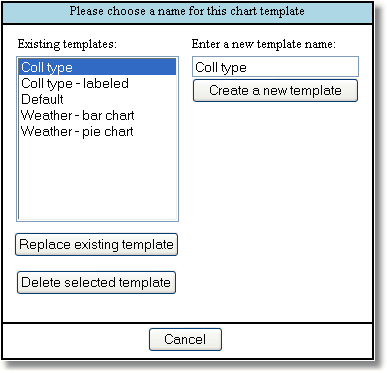
The save template button raises this dialog to save a template based on the current project, study or report. Think of this as "putting a template on to the server".
|