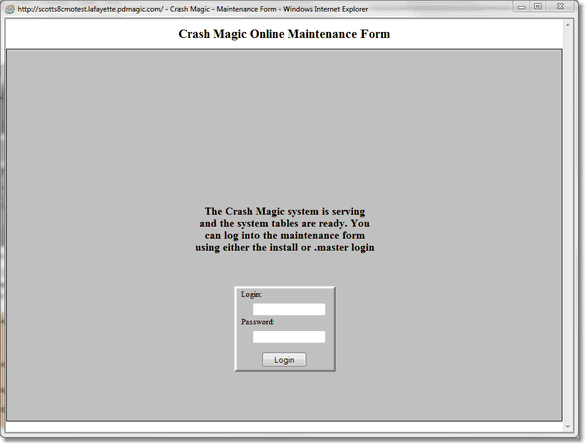
The Crash Magic Maintenance form allows control of the Crash Magic application. This is the screen seen when a group admin first opens the Crash Magic web page. The initial login and password are set from the Crash Magic - Post install utility. Once the group admin has completed setting up the Crash Magic server the Master Admin login can also be used to log into the Maintenance Form.
Five tabs are used to display information on Crash Magic once logged into the Maintenance form
•Status
•Configuration Wizard
•Advanced Settings
•DB Manager
•System Information